

- No-code, AI-powered builder
- Fully custom design and logic
- Deploy in one click
AI builds your site in minutes. No code, no learning curve, just great results. Launch your brand website, tonight!
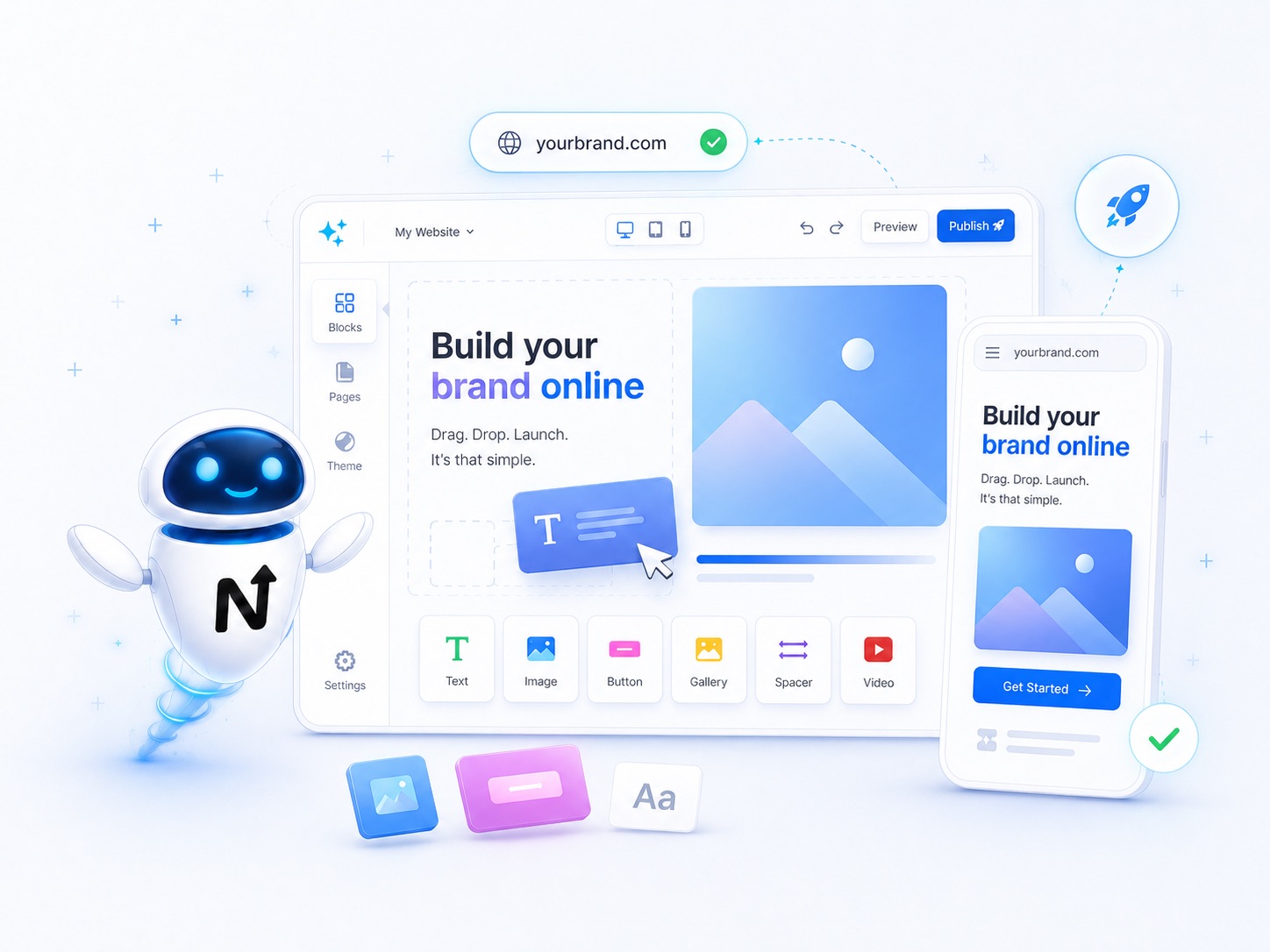
AI builds it for you
Describe what you want, AI does the rest.
Zero coding needed
Drag and drop to refine if you want.
Connects to your domain
Point your domain in one click.
Hand-picked alternatives. Pricing and terms set by each partner.


Independent third-party services. NextBrand may earn a referral fee at no extra cost to you.
Compare Wix, Squarespace, Shopify, and AI-powered website builders. What each one is best for, real cost breakdowns, and how to launch your brand site in a weekend.
Your website is where every other marketing channel ends. Ads, social, email, podcasts, word-of-mouth - they all push people to one URL. A confusing, slow, or visually weak site loses customers no matter how good the rest of the funnel is. The good news: in 2026, you no longer need a developer to launch a beautiful, fast, mobile-ready site. The right website builder gets you live in a weekend.
The hard part is choosing. The "best" builder depends entirely on what you are selling and how technical you are. This guide cuts through the marketing pages and shows you what each platform is actually best at, plus the questions to ask yourself before you sign up.
At a Glance
Switching platforms later is painful. Your URLs change, your SEO drops, your content needs to be re-entered, your custom integrations break. Most founders stay on the platform they pick for 3 to 5 years. That makes the initial choice consequential.
The good news: the major platforms in 2026 are all genuinely good at what they specialize in. There are no bad choices - only mismatched ones. Picking Shopify for a portfolio site or Squarespace for a serious online store creates friction you will fight for years.
The decision comes down to three honest questions: what are you selling, how much customization do you need, and how comfortable are you tinkering. Get those right and the platform picks itself.
Editor flexibility
Drag-and-drop with pixel-level control (Wix) vs grid-locked templates that always look good (Squarespace). Flexibility cuts both ways - more freedom means more chances to make it ugly.
Mobile-first behavior
Over 60 percent of traffic is mobile. Every modern builder claims "responsive" but the actual experience varies. Always preview your real site on a real phone before launching.
Page speed
Slow sites lose conversions and SEO. Look for builders with built-in CDN, image optimization, and clean code output. AI-built sites can be especially heavy - test before you commit.
SEO controls
You need control over page titles, meta descriptions, URLs, alt text, and structured data. All major builders offer this but some bury it in advanced settings.
Integration with your stack
Does it connect to your email tool, CRM, scheduling, payments, and analytics with no friction? A platform that needs custom code for basic integrations is the wrong platform.
The industry-standard e-commerce platform. Built end-to-end for selling products: inventory, checkout, shipping, taxes, multi-currency, abandoned-cart recovery, app marketplace. Pricing starts around 39 USD per month plus transaction fees on the base plan.
Best for: Anything physical or digital you ship or download. Once you cross 5k USD per month in sales, nothing else competes.
The most flexible drag-and-drop builder for brand sites, service businesses, and portfolios. Hundreds of templates, true pixel-level editing, and a built-in app market. Pricing from 17 USD per month for an ad-free site with a custom domain.
Best for: Founders who want design control and a forgiving editor without learning code.
Template-driven, grid-locked editor that produces consistently beautiful results. Less flexible than Wix, but it is much harder to make a Squarespace site look bad. Pricing from 16 USD per month.
Best for: Designers, creatives, restaurants, weddings, and any business where "looks good by default" matters more than customization.
Describe your site in a prompt and the AI builds the full thing - design, content, structure - in minutes. You can then chat to iterate or hand-edit any part. Best for fast prototypes, MVP brand sites, and founders who want a real React site they can extend later.
Best for: Tech-leaning founders and indie builders who want speed plus the ability to customize the code later.
| Builder | Starting price | Best at | Watch out for |
|---|---|---|---|
| Shopify | 39 USD/mo | Selling physical and digital products | Overkill for non-store sites; theme customization needs Liquid |
| Wix | 17 USD/mo | Maximum design flexibility, drag-and-drop | More freedom = more rope to make it ugly |
| Squarespace | 16 USD/mo | Beautiful default templates, low effort | Less flexible if you want a non-standard layout |
| Lovable | Free to start | AI-built sites, custom React, fast iteration | Need basic comfort with prompting and version control |
Define the one job the site must do
Sell products. Capture leads. Book appointments. Tell your story. The job dictates the platform. Sites built to do "everything" do nothing well.
Pick the platform that owns that job
Selling: Shopify. Bookings or services: Squarespace or Wix. AI-generated brand site: Lovable. Match the platform to the job, not the other way around.
Test the editor for 30 minutes before you commit
Sign up for the free trial. Try to build a hero section and a contact page. If you fight the editor in the first half hour, you will fight it for years.
Plan your 5 core pages first
Home, About, Services or Products, Contact, and one anchor page (blog, case studies, pricing). Launch those before scope creeps to 20 pages.
Connect your custom domain on day one
Buy or use your existing brand domain immediately. Default subdomain URLs like mybrand.wixsite.com cost you SEO and credibility from the first impression.
Picking the cheapest plan to start, then upgrading three times in six months
Fix: The mid-tier plan is almost always the right starting point. The free or cheapest tier usually strips features you will need within weeks.
Designing on desktop only
Fix: Build mobile-first. Every section, every image, every form. Then check desktop. Over 60 percent of your traffic is mobile.
Skipping the custom domain
Fix: Connect your real brand domain before launch. A wixsite.com or myshopify.com URL silently kills trust.
Endless template tweaking before launch
Fix: Ship at 80 percent done in week one. Iterate based on real visitor behavior, not your own anxiety.
Ignoring page speed
Fix: Run PageSpeed Insights monthly. Compress images, lazy-load below the fold, remove unused apps. Speed is conversion and SEO at the same time.
Once your brand name is set, we get you live and running with the partners that handle everything else - fast, professional, and ready for customers.

Spin up an LLC, Corporation or similar entity through vetted formation partners - paperwork, EIN and registered agent in one flow.
Form your business
Hand the brief to professional designers or run a full design contest, whichever fits your budget and timeline.
Design your logo
you@yourbrand.com on enterprise-grade email, set up the moment you own the domain. Calendar, drive and meetings included.
Set up emailPick the platform that matches your job. Each partner below has a free trial - test the editor before you commit.