

- Custom @yourdomain email
- 30 GB cloud storage per user
- Video meetings and shared docs
A pro address like you@yourbrand.com signals trust the moment it lands in someone's inbox.
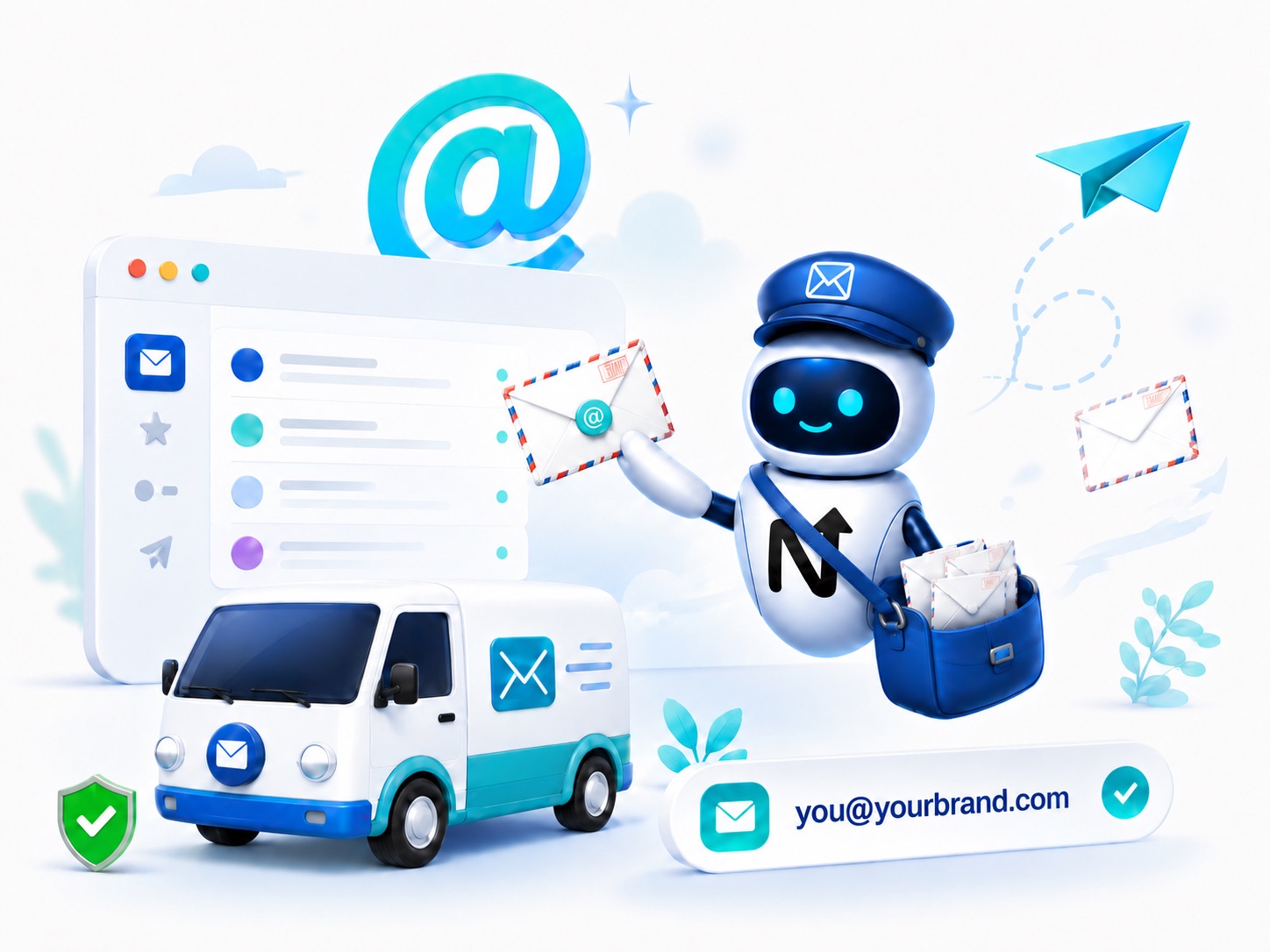
Your domain, your email
you@yourbrand.com - instant credibility.
Familiar inbox
Gmail or Outlook, exactly as you know.
Reliable delivery
Enterprise-grade spam protection and uptime.
Hand-picked alternatives. Pricing and terms set by each partner.

Independent third-party services. NextBrand may earn a referral fee at no extra cost to you.
Set up you@yourbrand.com in under 30 minutes. Compare Google Workspace and Microsoft 365 on price, calendar, drive, deliverability, and what to pick at your stage.
A professional email address on your own domain - you@yourbrand.com - is the single cheapest credibility upgrade in business. It costs about the price of a coffee per month, takes under 30 minutes to set up, and quietly raises the trust level of every quote, contract, and cold message you send.
Using a free address like yourbrand@gmail.com signals "side project". A domain-matched address signals "real business". In 2026 there are two serious choices: Google Workspace and Microsoft 365. This guide explains what each one is best at and how to set it up cleanly.
At a Glance
Email is still the primary way businesses communicate. A free Gmail or Yahoo address with your brand name in front gets quietly filtered by spam systems, ignored by procurement teams, and treated as a hobby project by larger clients. None of those things are reversed by sending better content.
Owning your email on your domain solves five problems at once: deliverability (better inbox placement), credibility (no "we use Gmail" tax), portability (you keep the inbox even if you switch providers), team scaling (you can create sales@, billing@, support@), and search (your messages stay together in one professional system).
For under the cost of a second streaming subscription per month, you get all of that. It is the most under-priced upgrade in a brand owner toolkit.
Custom domain email
you@yourbrand.com, plus team addresses like sales@, support@, hello@. Add as many aliases as you want - usually free at the user level.
Calendar and scheduling
Shared calendars, booking pages, conference-room scheduling, time-zone smart invites. Calendar alone is often worth the subscription price.
Cloud drive
30 GB to unlimited storage per user for documents, spreadsheets, presentations. Real-time co-editing across the team.
Video meetings
Google Meet or Microsoft Teams built in. No separate Zoom subscription required for most small businesses.
Admin and security controls
Two-factor authentication, single sign-on, mobile device management, security logs, data residency. The boring stuff that matters the moment you hire your first employee.
Gmail + Calendar + Drive + Docs + Sheets + Slides + Meet. Web-first, fast, and the default for most modern small businesses. Starts around 6 USD per user per month for Business Starter (30 GB), 12 USD for Standard (2 TB).
Best for: Tech-leaning teams, agencies, startups, anyone who already lives in Gmail.
Outlook + Calendar + OneDrive + Word + Excel + PowerPoint + Teams. Deep desktop apps with full features even offline. Starts around 6 USD per user per month for Business Basic, 12.50 USD for Standard (which adds the desktop apps).
Best for: Teams that already use Office heavily, organizations dealing with complex Excel, anyone in industries where docx and xlsx are the lingua franca.
| Feature | Google Workspace | Microsoft 365 |
|---|---|---|
| Email client | Gmail (web-first) | Outlook (web + powerful desktop) |
| Office apps | Docs, Sheets, Slides (web-native) | Word, Excel, PowerPoint (desktop + web) |
| Storage (entry plan) | 30 GB per user | 1 TB per user |
| Video meetings | Google Meet | Microsoft Teams |
| Best at | Real-time collaboration, speed | Heavy Office documents, offline work |
| Entry price | ~6 USD per user per month | ~6 USD per user per month |
Own the domain first
Register or transfer your brand domain. You cannot set up professional email on a domain you do not control.
Pick the plan that fits today
Default to Google Workspace Business Starter or Microsoft 365 Business Basic. You can upgrade later without changing your address.
Create your primary user
Usually you@yourbrand.com or firstname@yourbrand.com. Keep it simple and short.
Add DNS records at your registrar
Both providers walk you through adding MX, SPF, DKIM, and DMARC records. Add all of them, not just MX - the rest are what keeps your mail out of spam folders.
Verify and test send
Send a test email from a Gmail and an Outlook address. Check the inbox, not the spam folder.
Create team aliases
Set up support@, sales@, hello@, billing@ - even if you are a one-person business. You can route them all to your main inbox. They cost nothing and look professional.
Skipping SPF, DKIM and DMARC records
Fix: Without them, your mail lands in spam folders. Both providers generate the exact values - copy them into your DNS, including the underscore-prefixed records.
Using your registrar email forwarding instead of a real mailbox
Fix: Forwarding breaks DMARC, drops attachments, and you cannot reply from your branded address. Pay the 6 USD and get a real inbox.
Buying licenses for every alias
Fix: Aliases like sales@ and support@ are free. Only create paid users for actual humans who need their own inbox.
Forgetting to set up the recovery email and 2FA
Fix: Set both during onboarding. Losing access to the admin account on your business email is a nightmare to recover.
Switching providers casually
Fix: Migrating between Workspace and 365 is doable but involves moving years of mail. Pick deliberately the first time and stay unless you have a strong reason.
Once your brand name is set, we get you live and running with the partners that handle everything else - fast, professional, and ready for customers.

Spin up an LLC, Corporation or similar entity through vetted formation partners - paperwork, EIN and registered agent in one flow.
Form your business
Hand the brief to professional designers or run a full design contest, whichever fits your budget and timeline.
Design your logo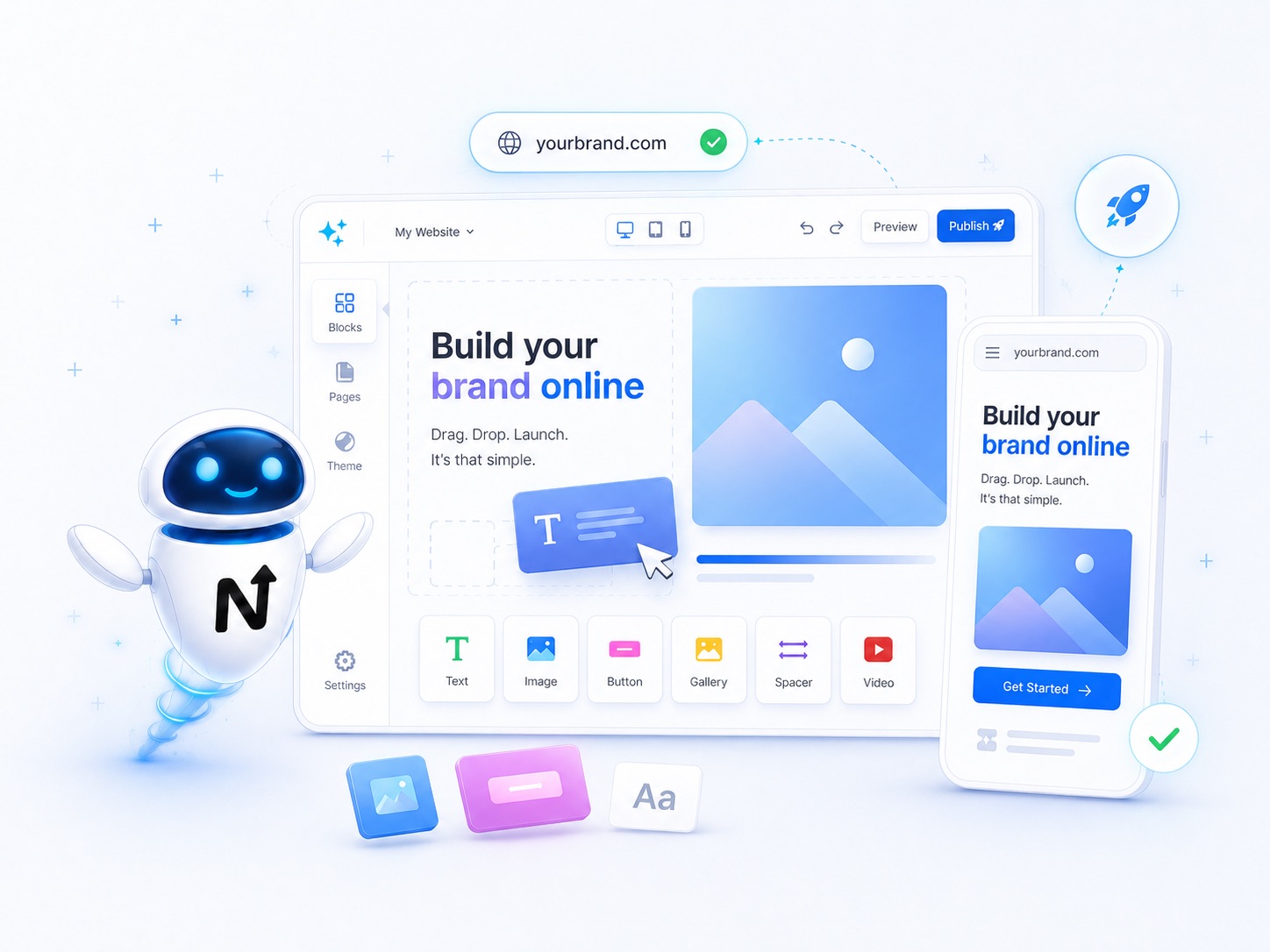
AI website builders with drag-and-drop editing turn a simple prompt into a live, mobile-ready brand site in minutes - no developer required.
Build a websitePick the provider that matches how your team already works. Both are linked below - same accounts and offers we surface inside the workspace.